 Borneo-IoT
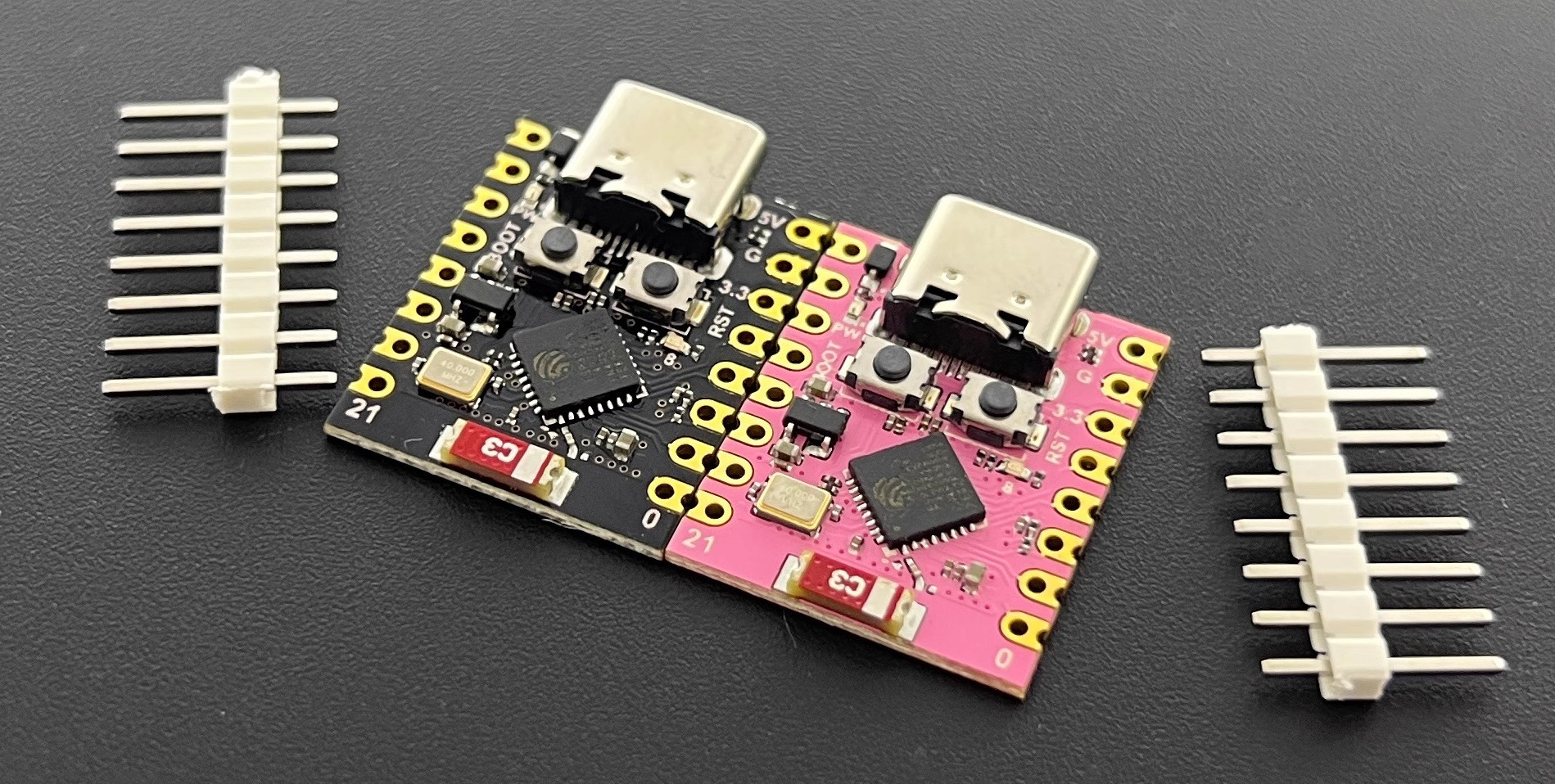
NoLogo ESP32C3SuperMini Module
Introduction
To make it easier for users who want to quickly test our firmware and the mobile app, we provide a firmware profile that supports the NoLogo ESP32C3SuperMini module. You can flash the firmware over the module’s USB-OTG interface and control it with our mobile app.
Note that because the ESP32C3SuperMini lacks the external peripherals present on our dedicated controller, supported hardware features are limited to the following:
6 independent LED PWM channels: Independent LED PWM dimming channels. Your LED driver circuit should include pull-down resistors to avoid large inrush currents at power-up.
Fan PWM output: A PWM output for the fan. Because the NTC thermistor support circuit is not present, you can only set the fan PWM duty manually in the app; the PID closed-loop automatic fan-speed control provided by our dedicated controller is not available.
User button: A user button for temporary light on (short press) and Wi-Fi reset (long press). This reuses the ESP32C3SuperMini’s built-in “Boot” button, or you can wire an external button from the module’s D9 pin to GND to use it outside the board.
Pinout
ESP32C3SuperMini GPIO Pins |
Borneo-IoT function |
Notes |
|---|---|---|
4 |
Fan PWM output |
Fan PWM output, uses standard 25 kHz PWM |
5 |
LED PWM Channel 0 |
|
6 |
LED PWM Channel 1 |
|
7 |
LED PWM Channel 2 |
|
10 |
LED PWM Channel 3 |
|
20 |
LED PWM Channel 4 |
|
21 |
LED PWM Channel 5 |
|
8 |
On-board LED Indicator |
|
9 |
User button |
This pin is shared with the ESP32C3SuperMini’s “Boot” button. |
Build and flash firmware
You can either build and flash the firmware locally using ESP-IDF, or use our web-based, open-source flasher.
Build and flash yourself
Connect the ESP32C3SuperMini with a USB cable, open an ESP-IDF terminal, and run:
cd fw/lyfi # change to LyFi firmware directory
idf.py -DPRODUCT_ID=bst/c3supermini build # build firmware
idf.py flash # flash firmware
idf.py monitor # view firmware logs
After flashing you can connect the module with our mobile app.
Use the web-based flasher (recommended for quick tests)
If you don’t want to set up the ESP-IDF toolchain locally, you can use our WebSerial-based open-source flasher at flasher.borneoiot.com. It runs in your browser and communicates with the ESP32C3SuperMini over USB.
The web flasher is ideal for quick testing and for users who prefer not to install the full ESP-IDF toolchain.